Apple Health connected
Food, weight, active calories, and resting calories come from Apple Health, so CalBal fits around your existing apps and devices.
Calorie balance from the data you already track
CalBal reads food, activity, resting calories, and weight from Apple Health, then turns them into daily, weekly, and monthly energy-balance trends. Your daily goal and live calorie balance update in real time, so you can make more informed adjustments while the day is still happening.
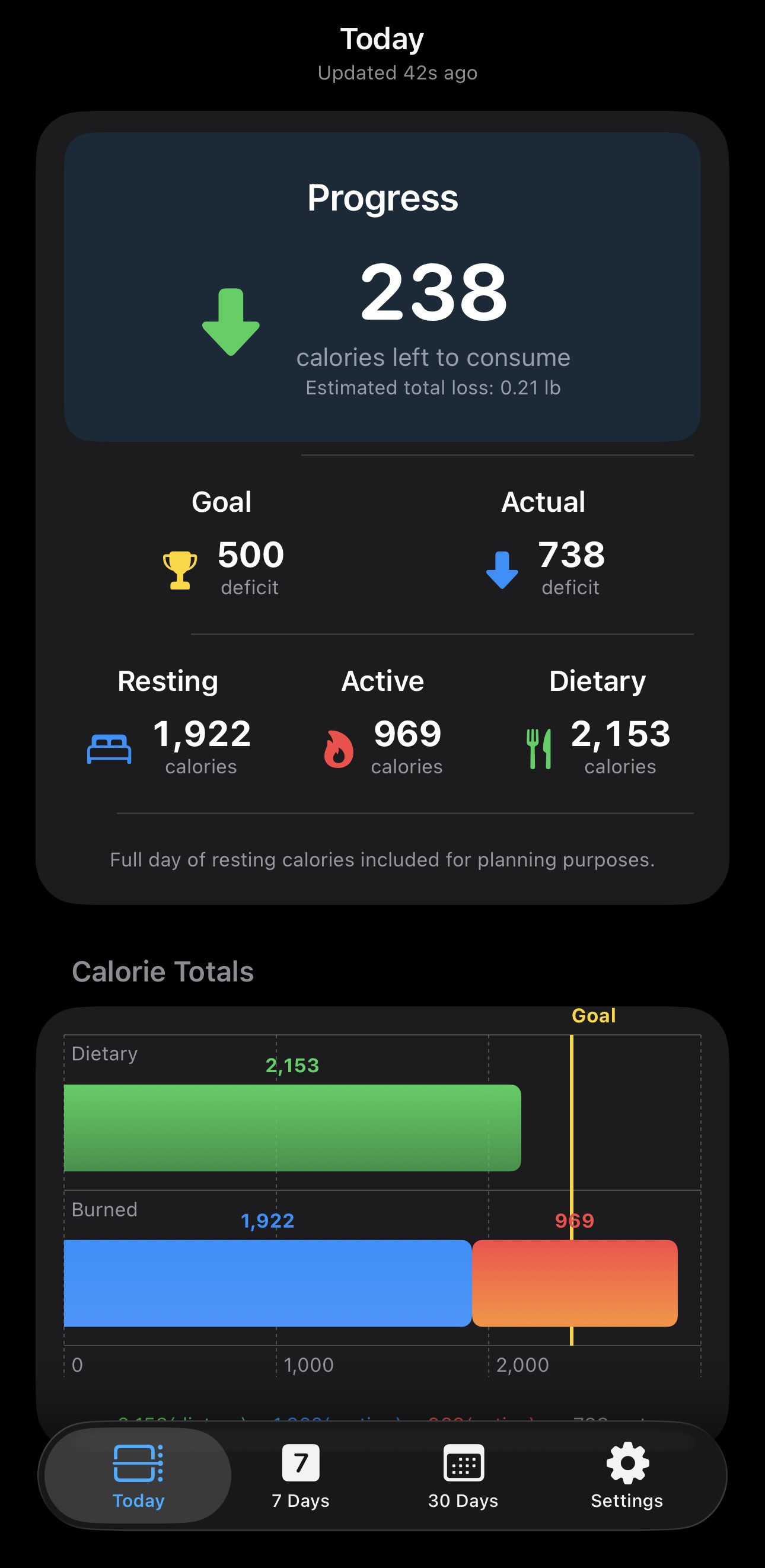
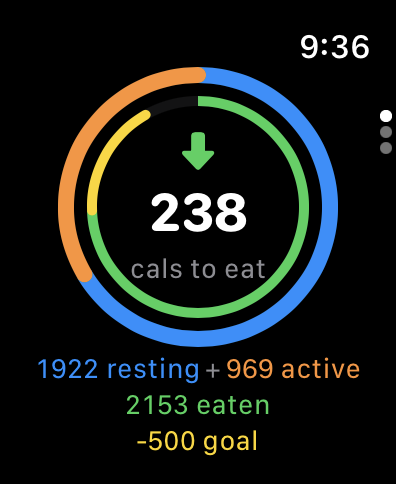
CalBal is built for people who already track nutrition, workouts, and weight, but want a clearer answer to whether their calorie targets match real progress.
Food, weight, active calories, and resting calories come from Apple Health, so CalBal fits around your existing apps and devices.
Move beyond one-day swings and compare calorie balance against weight trends over the timeframes that matter.
Compare dietary, active, and resting calories against your daily goal to see how much room you have left in real time.
7 DAYS · DAILY BALANCE
See days in deficit or surplus alongside your average daily balance. Get a clearer picture of the week beyond any single day.

30 DAYS · CALORIE TOTALS
Compare resting and active calories with dietary calories across the month. In the app, tap a bar to explore the day's details.

WEIGHT HISTORY
Follow your weigh-ins alongside a smoothed trend and your goal line. Switch between week, month, quarter, and year to see your progress over time.

Resting/BMR calories are a major part of daily energy burn, but standard estimates can be off for real people. CalBal compares calorie-derived weight change with your actual weight trend over the last 30 days, then recommends adjustments based on your recorded data. Apply a suggested resting calorie value directly in the app to make your balance more personal.


Use the nutrition app, scale, Apple Watch, and HealthKit sources you already trust. CalBal brings the pieces together.
Enter meals, workouts, and weight in your preferred apps and devices.
CalBal reads compatible data from Apple Health after you grant permission.
Adjust Resting/BMR calories when trend data shows your estimate needs refinement.
Compare calories and weight over time to make better decisions.
Download CalBal and turn Apple Health calorie and weight data into clearer energy-balance insight.

You do not enter data directly into CalBal because the app automatically pulls all of its information from the Apple Health database. To record your data, you simply log your meals, workouts, and weight into any third-party app that integrates with Apple Health, or enter them directly into Apple's native Health app.